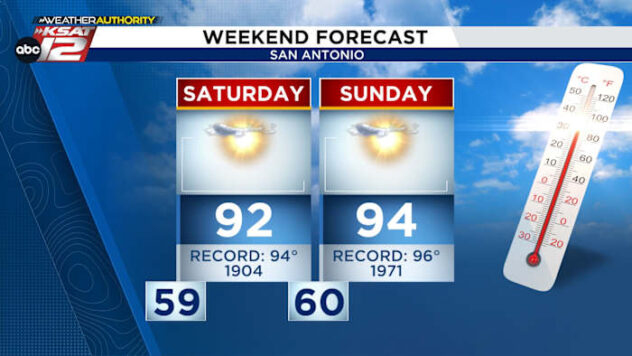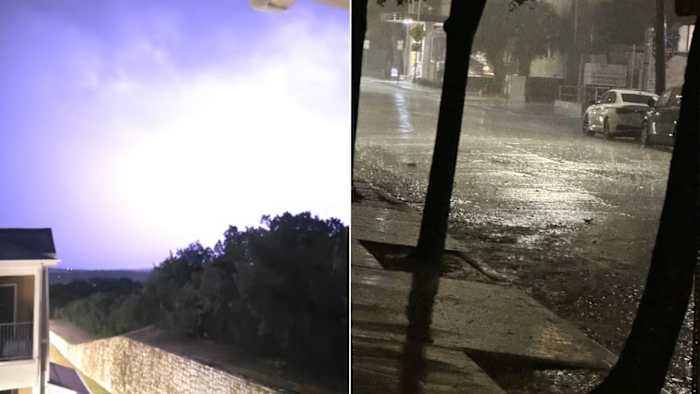
Storms moved through the San Antonio area early Saturday morning, dropping between 1 and 3 inches of rain.
Heavy rain and frequent lightning and thunder were forecasted until 9 a.m., followed by a break and scattered storms expected throughout the afternoon.
>> Read the latest forecast here
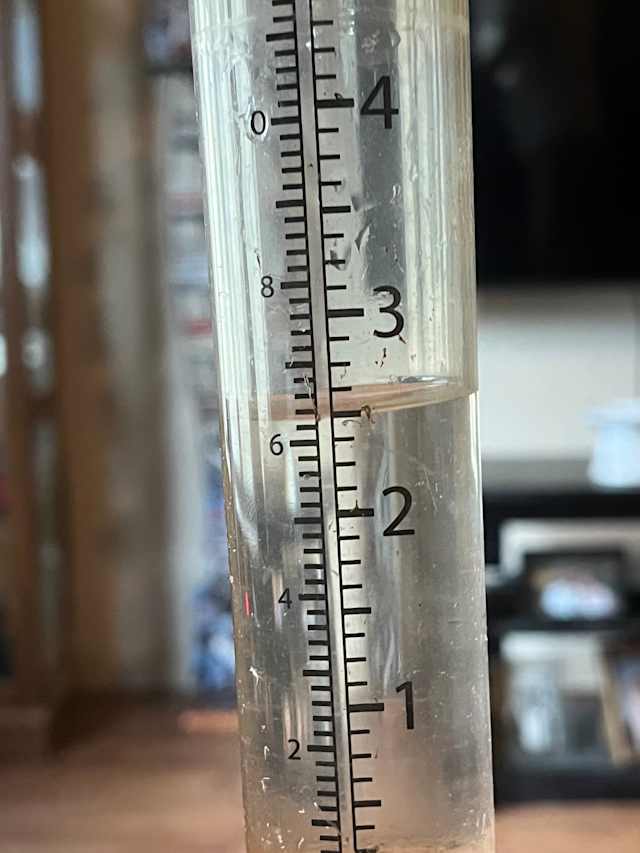
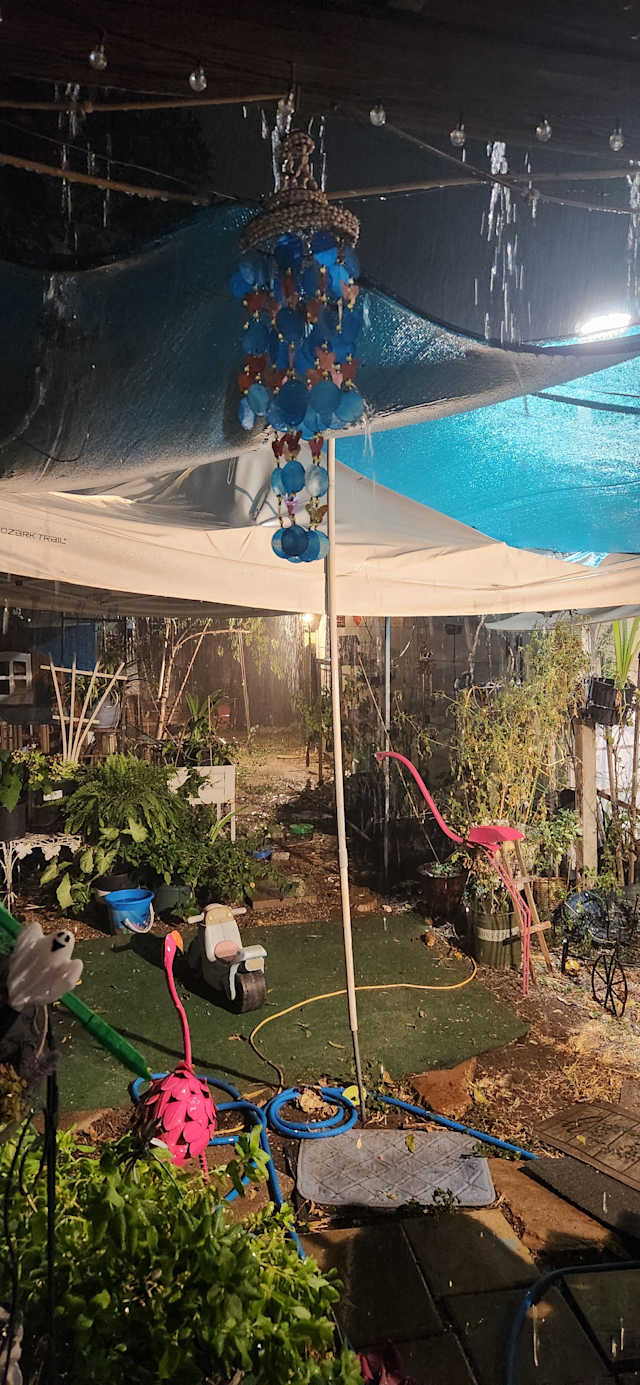
Overnight, 1 to 3 inches of much needed rain fell around San Antonio.
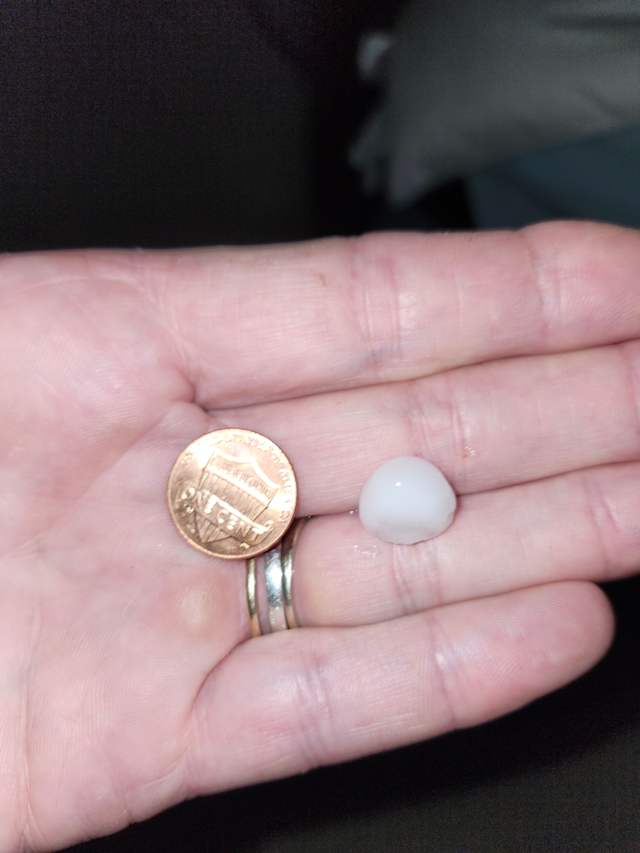
Check out these photos and videos of the rain and hail viewers shared to KSAT Connect:



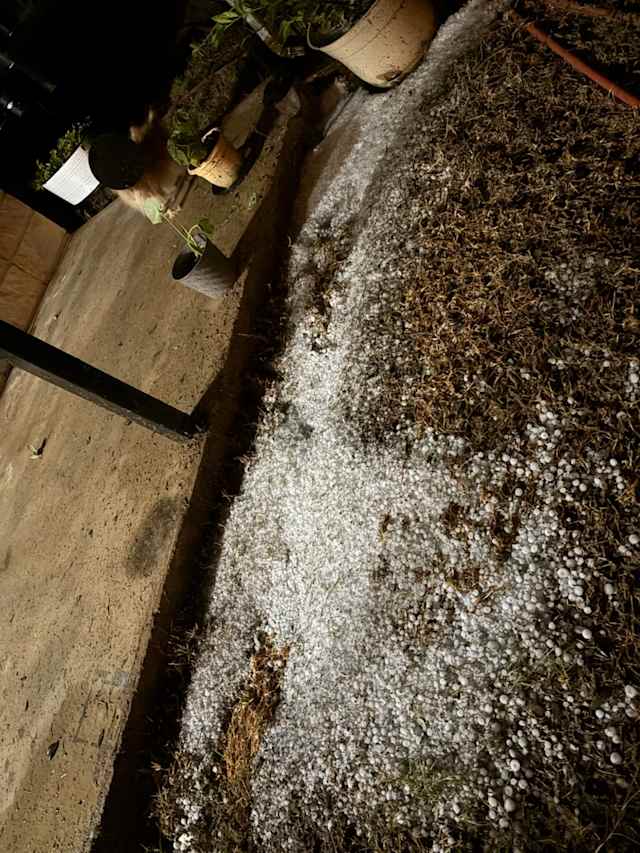



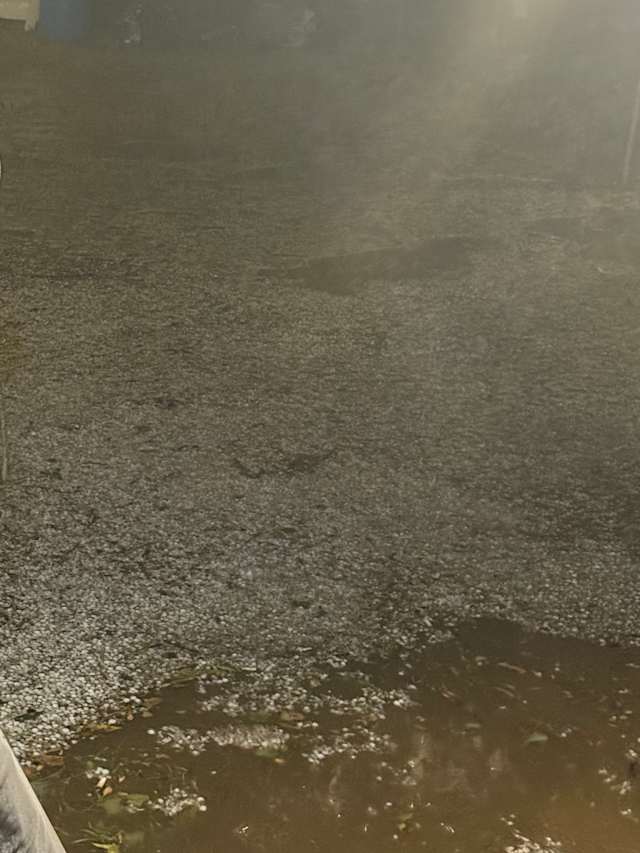
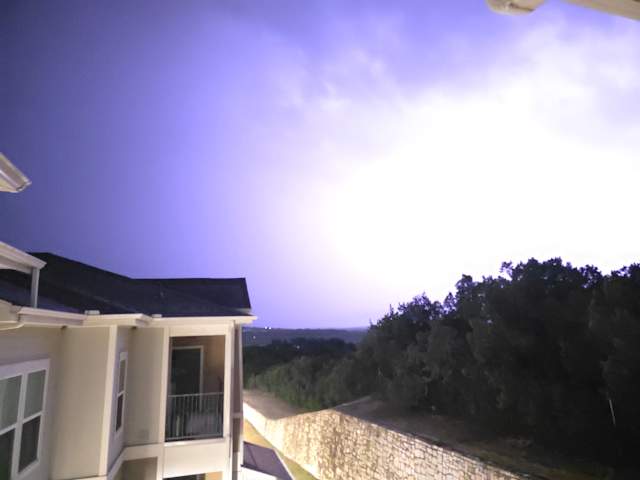



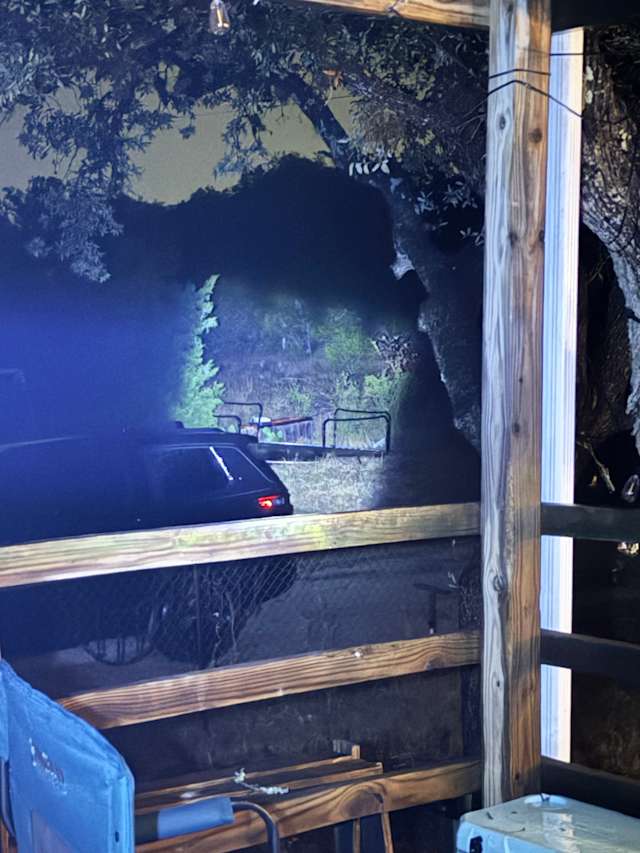
To submit a photo or video, check out our guide below.
- Open the KSAT Weather Authority app OR visit the KSAT Connect web page. We recommend using the app for regular access to KSAT Connect!
- If you’re on the KSAT Weather Authority app, click the camera icon on the navigation bar at the bottom of the screen. You can also upload from the KSAT News app. Click here for instructions.
- Sign in or sign up for a FREE KSAT Insider (member) account by clicking the orange button with the text “Log in to Upload a Pin.”
- Once you’re signed in, you’ll click the orange button that now reads “Upload a Pin.”
- Click the blue button at the top to choose the photo or video you’d like to share.
- Select the channel and category.
- Tell us about your photo or video by including a description.
- The last step is to click the orange button at the bottom to upload.